TimeCard
Report work and attendance after the fact – all saved directly in Monitor ERP

Do you need to report time and work afterwards?
Why you need TimeCard
TimeCard is for those who do not always have access to Monitor ERP, for example if you are a traveling mechanic, repairman or work in the field in another role.
TimeCard can be used anywhere, anytime – and you can log in from any device: mobile, tablet or computer.
With TimeCard you get:
- Efficient time reporting
- Automatic attendance reporting
- Better planning and follow-up
Four reasons to use TimeCard

Web-based

Easy management

Easy to use

Automated
Report and keep track with Monitor ERP TimeCard
Access multiple types of reporting and features:
- Report project activity
- Report operation on manufacturing orders
- Report indirect work
- Report absences
- Add extra material on operation
- Add planned absences
- Report additions
- See time balances

Getting started with TimeCard
TimeCard
Getting started
As TimeCard follows the logged-in user's settings and rights via Monitor ERP, it is quick to get started.
This applies for example to:
- Linked schedule
- Priority plan
- Assigned work and project activities
- Available indirect codes
- Available absence codes
- Options
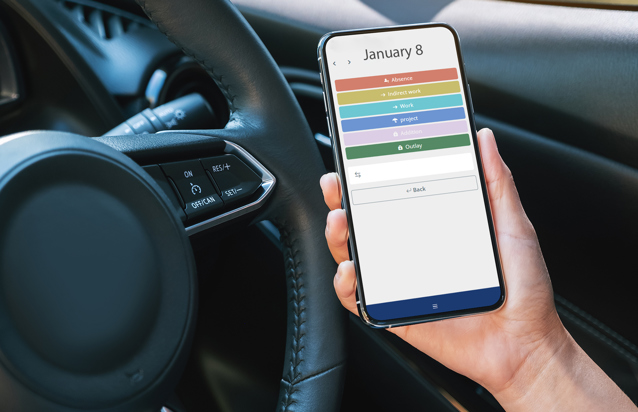
TimeCard
Requirements for use
To use the TimeCard, it is required that:
- Time tracking module is enabled in Monitor ERP
- Access to the internet