

Welcome to Monitor Support!
For Monitor ERP users

Need assistance? Read on!
Monitor’s online help

Customer platform
In myMonitor you have access to several functions that make working in Monitor easier. We have gathered everything in one place. Log in to see support cases, agreements and licenses.
Monitor Academy
Our consultants
New features in latest version
Monitor Idea Forum

Need help?
There are different ways to contact the Monitor Support Center:
You can contact us by using the Customer Support portal myMonitor.
You can also e-mail support@monitorerp.com Provide your name, company, e-mail, company ID and what it is you need help with.
For urgent issues, or if you’d prefer to talk to us, you can phone +46 650 766 03. We answer during office hours 07-17 CET (GMT+1).
- We can take calls in Swedish, English, Finnish and Polish. We also offer local support via our subsidiaries and partners in Malaysia, China, Denmark, Norway, Finland, Estonia, Poland, Slovenia and United Kingdom.
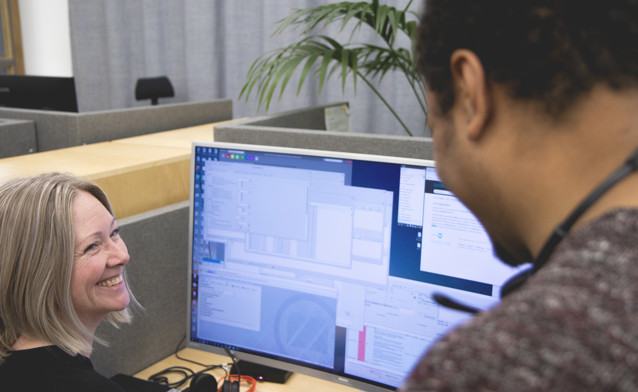
Connect using Splashtop.
Sometimes we’ll need to see your system with our own eyes to find a solution. In this case, we’ll use Splashtop.
Click here to get up and running with Splashtop.
Tip! Add Splashtop to the desktop in your Monitor ERP application with the desktop component, Favorites. This means you’re only one click away from getting help via remote control.
Frequently asked questions
What’s the fastest way to get an answer to my question?
Our online help is an extensive source of information, where you can perform searches in the specific area where you need assistance. Always check here first.
I’ve looked at the online help and can’t find a solution, what should I do?
If you can’t find a solution in the online help, we recommend that you log into myMonitor and create a case.
Describe your issue as accurately and as in as much details as possible. Attach screen shots or other relevant information, such as which procedure the issue is in, which can help us identify the issue.
The more information you give, the quicker we will be able to help you.
If you can’t log into myMonitor, you can contact us by sending an e-mail to support@monitor.se.
Leave your name, e-mail address, company, company ID and tell us what you need help with.
Service Level Monitor Support
To make sure you as a customer know what to expect from us, we work with something called an SLA – Service Level Agreement. It´s simply our agreed-upon times for how quickly we respond and how quickly we aim to resolve different types of cases.
We access each case based on how much it impacts your operations and what type of question it is. If the issue, for example, stops your production, we prioritize it immediately, while issues with less impact receive a lower priority.
When you submit a case, the SLA begins immediately and it is only paused if we are waiting for your response. This ensures fair and transparent case handling.
Do you want to learn more about our SLA and see our response times in a matrix? Read more about our conditions for the support services.
How can I track the progress of my case?
If you log into Monitor’s customer platform, myMonitor, you will be able to see the current status of your case. Log into myMonitor.
What system requirements apply for Monitor G5?
How do I access the old support portal?
You can access the old support portal here: Log in to the support portal.